
“It shows up in Bluetooth, but does nothing”
Why it happensYour iPhone sees it, but the band needs an app to set it up and talk to it. Pairing from Settings → Bluetooth isn't enough.
What to doOpen Fit3 Bridge and tap Connect.
Although Samsung says the Galaxy Fit3 isn't compatible with iOS, it does work with iPhone thanks to Fit3 Bridge: an independent app that connects your SM-R390 band straight to your iPhone, no Android phone needed.
One-time purchase · 3-day free trial
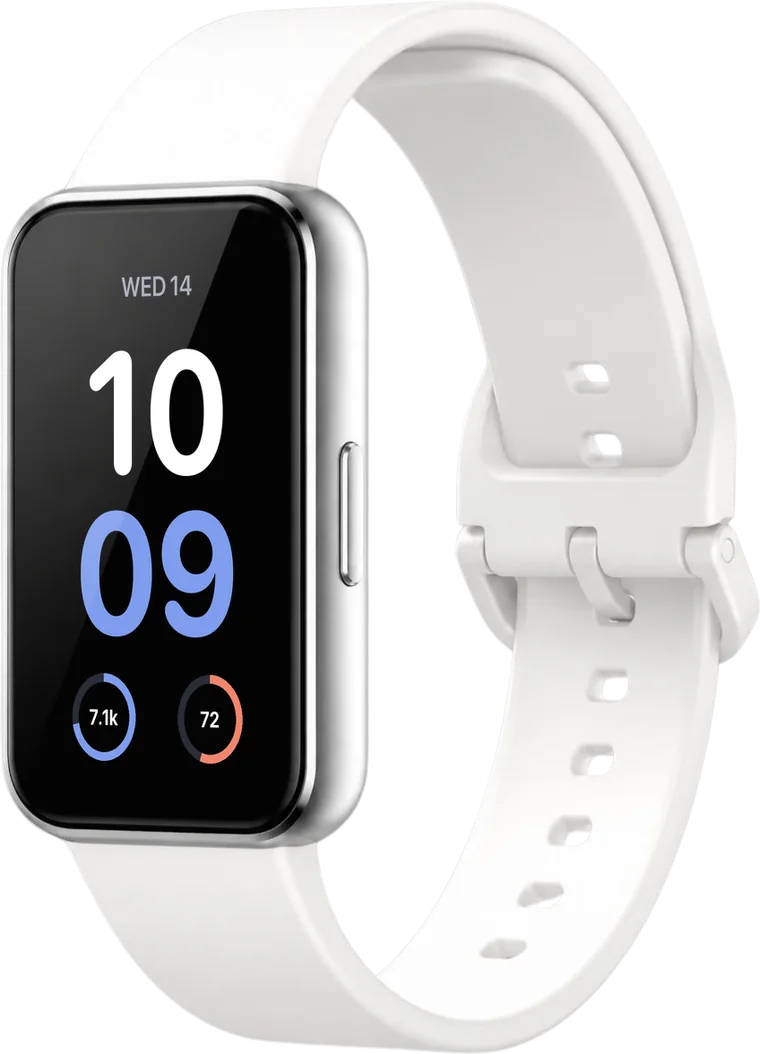
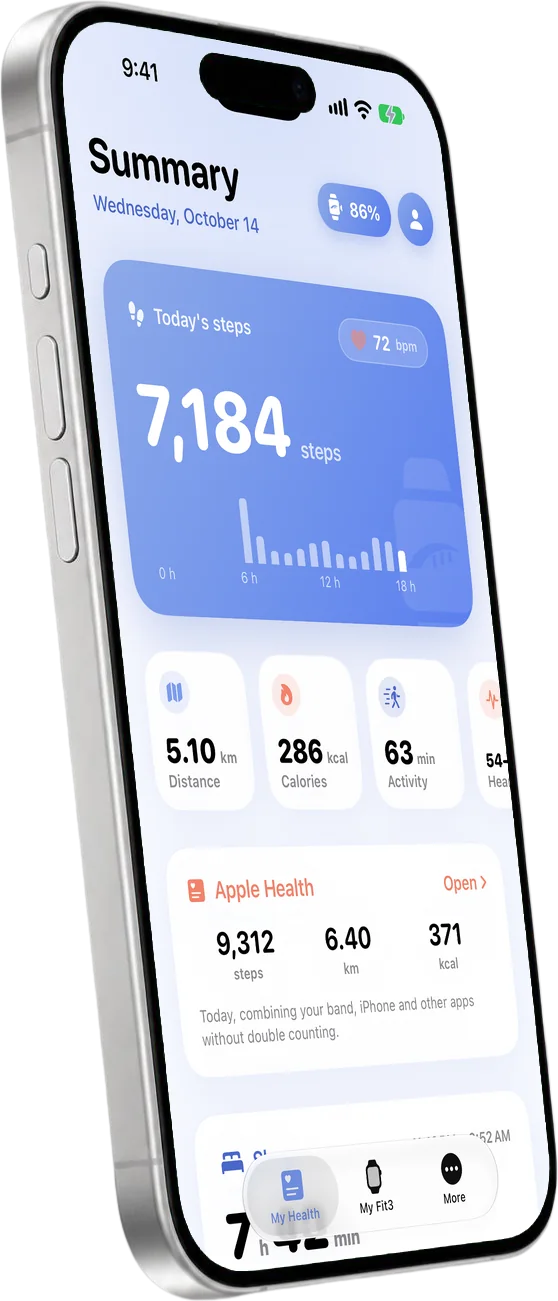
Before you return it, take a look.
Yes, with Fit3 Bridge. Samsung only made its Galaxy Wearable app for Android, which is why its site says it isn't compatible with iOS. The band uses standard Bluetooth: with the right app, your iPhone connects it, sets it up and gets its data.
“Samsung says it isn't compatible.”
True for Samsung's apps: Galaxy Wearable only exists for Android. Fit3 Bridge is an independent app that does connect it.
“The Galaxy Fit app on the App Store connects it.”
That app is for older models, up to the Galaxy Fit2. It doesn't recognize the Fit3.
“My iPhone sees it, but it just keeps loading.”
It shows up in Bluetooth, but no Samsung app for iPhone finishes pairing it. Fit3 Bridge completes the pairing.
“You need an Android phone to set it up.”
No. Fit3 Bridge runs the initial setup from your iPhone, even after a reset.
“It's a hack or a jailbreak.”
No. It's a regular App Store app: it doesn't modify your iPhone or your band.
Galaxy Fit3 and WhatsApp on iPhone
WhatsApp, Messages and the apps you choose reach your Fit3 through a Shortcuts automation you set up once. You also get Apple Music, weather and your steps.
You see the whole message. Replying from the band isn't possible yet.
Galaxy Fit3 with Apple Health
Steps, distance, calories, heart rate, sleep, blood oxygen, floors, water and workouts go to Health, alongside everything you already track.
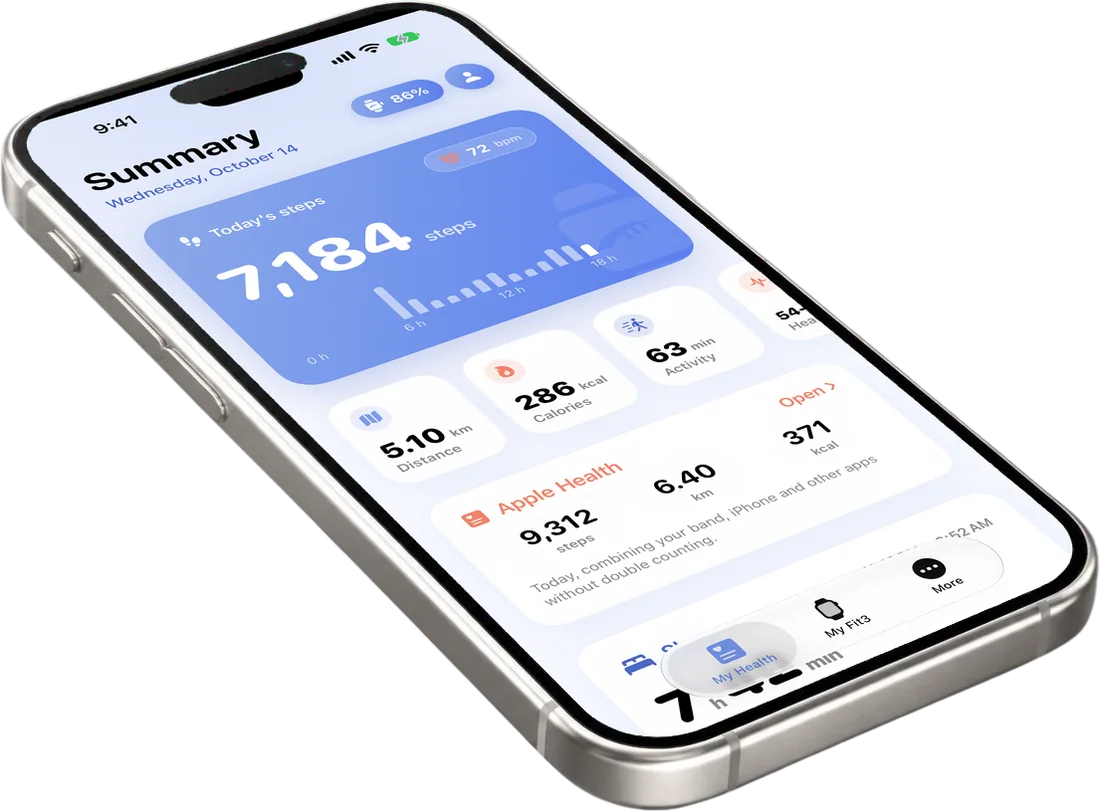
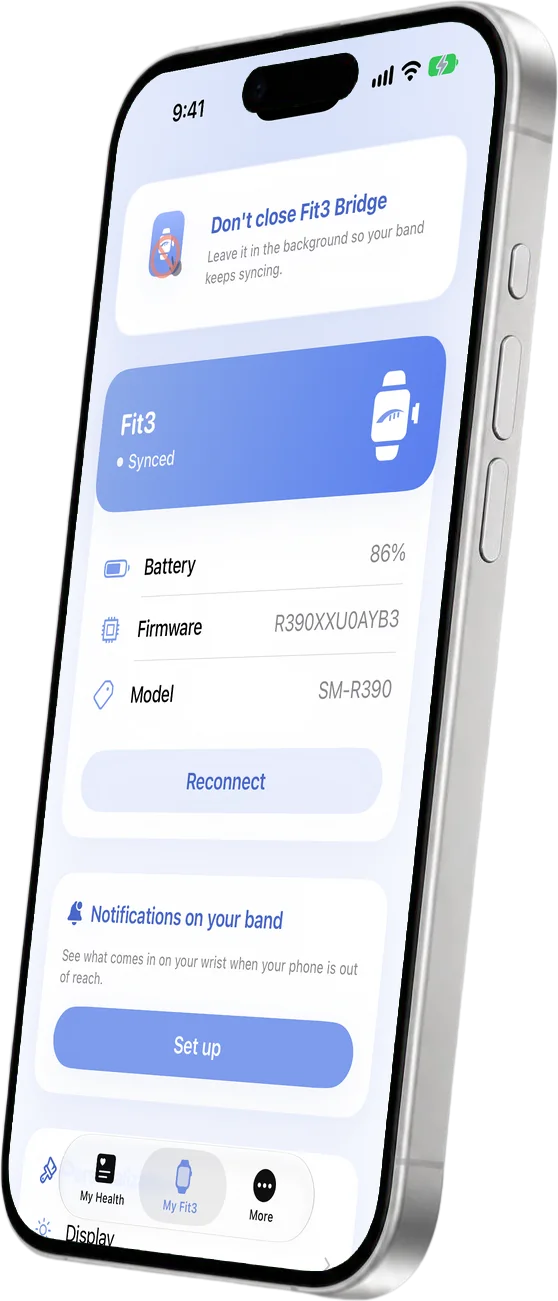
From the App Store, on an iPhone with iOS 17 or later.
Tap Connect. If it's new or was reset, tap Set up band.
Accept the permissions and your data starts flowing.
Troubleshooting
It's almost always one of these four things. All four can be fixed.
Why it happensYour iPhone sees it, but the band needs an app to set it up and talk to it. Pairing from Settings → Bluetooth isn't enough.
What to doOpen Fit3 Bridge and tap Connect.
Why it happensGalaxy Wearable only exists for Android, and the Galaxy Fit app on the App Store only goes up to the Fit2. Neither recognizes the Fit3.
What to doUse Fit3 Bridge: it's made for the Galaxy Fit3 (SM-R390).
Why it happensThe band is still tied to that phone and won't finish pairing with another one.
What to doReset it from its Settings and, in Fit3 Bridge, tap Set up band: it sets it up from scratch.
Why it happensIf you swipe the app away, iOS cuts the connection to the band.
What to doOpen Fit3 Bridge again and leave it in the background.
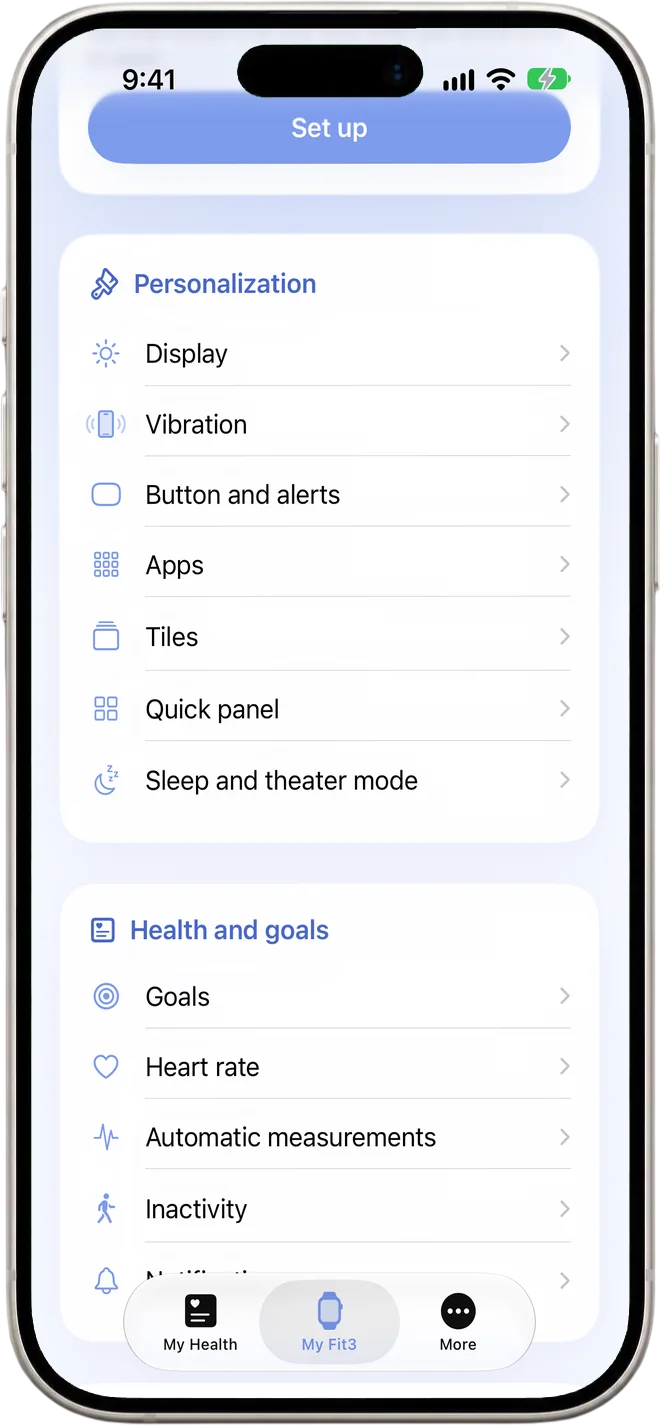
Adjust your band from your iPhone
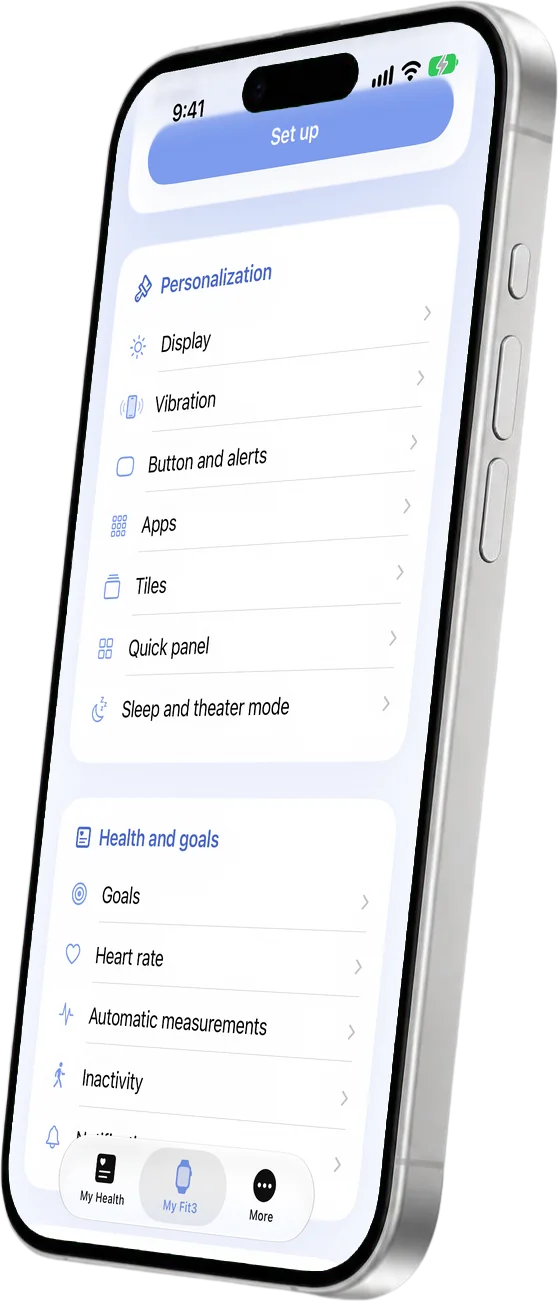
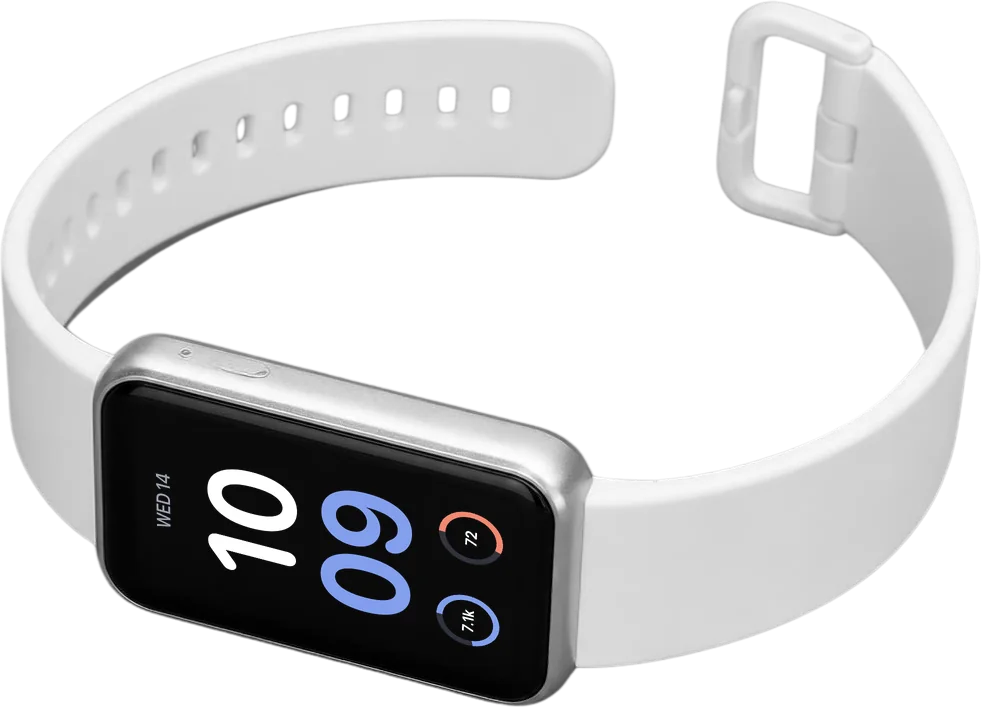
With any iPhone running iOS 17 or later.
Yes, with Fit3 Bridge. Samsung doesn't offer an iPhone app, but the band connects over Bluetooth and Fit3 Bridge sets it up and syncs it.
Yes. WhatsApp alerts reach the band through a Shortcuts automation the app helps you set up once.
No. You can read the whole message, but replying from the band isn't possible on iPhone yet.
Yes: steps, distance, calories, heart rate, sleep, blood oxygen, floors, water and workouts.
No. The band controls Apple Music; iOS doesn't let other apps control Spotify or YouTube Music.
No. Fit3 Bridge sets up the band from your iPhone and uses no accounts.
No. Gadgetbridge is Android-only. On iPhone, the option is Fit3 Bridge.
Yes, as long as it's the Galaxy Fit3 (model SM-R390), wherever you bought it.
A one-time purchase in your local currency, no subscription. You can try it free for 3 days.
No. Fit3 Bridge is independent, not affiliated with or endorsed by Samsung or Apple.
Yes, in the background. If you swipe it away, iOS cuts the connection to the band.
Try every feature free for 3 days.