
Galaxy Fit3 not connecting to iPhone: why and how to fix it
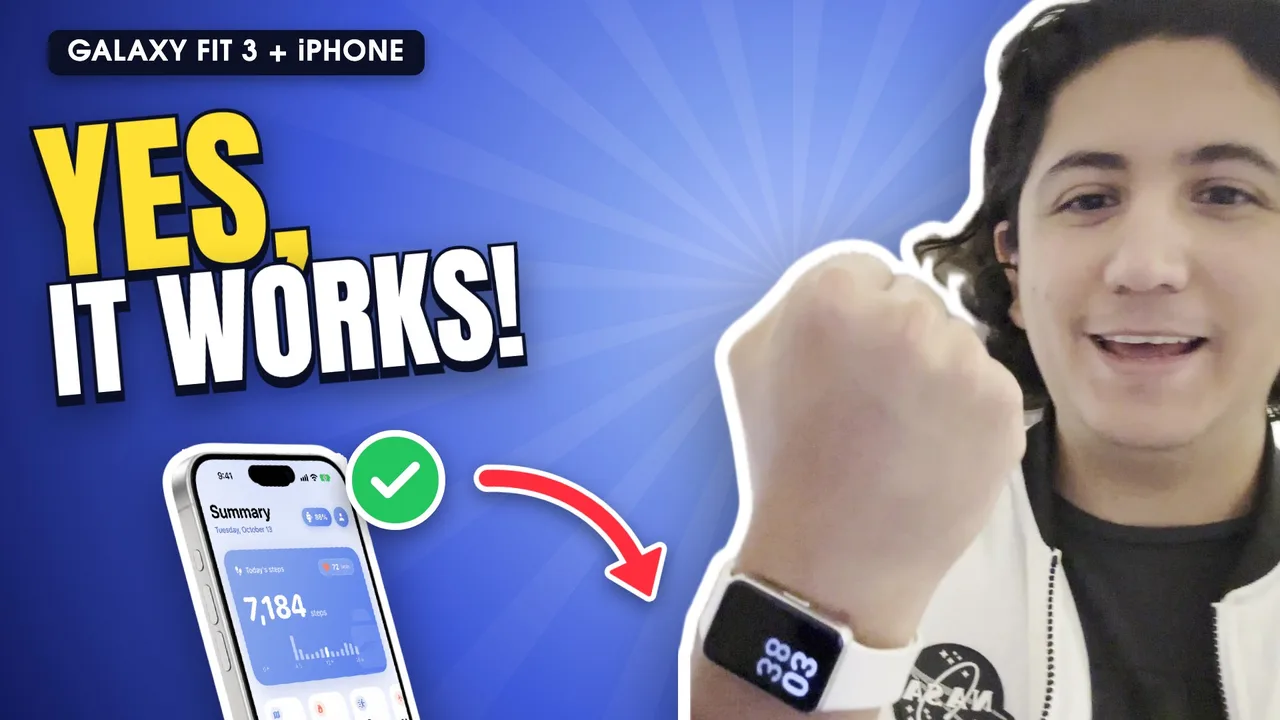
The Galaxy Fit3 won't connect to an iPhone with Galaxy Wearable because that app doesn't exist for iOS, and the “Samsung Galaxy Fit” app stops at the Fit2. The fix is to pair it with Fit3 Bridge, which connects to the band directly. If you already use Fit3 Bridge and it disconnects, it's almost always because the app was closed.
“It's stuck loading” or “it shows up but never finishes pairing”
This happens when you pair from Settings › Bluetooth or with Samsung's app. The iPhone sees the band, but without the right app it never completes. Pair it from Fit3 Bridge (step-by-step guide).
“The Galaxy Fit app doesn't recognize my Fit3”
That's expected: the iPhone app “Samsung Galaxy Fit” is only for the Fit and Fit2. For the Fit3 (SM-R390) you need Fit3 Bridge.
It disconnects after a while
- Don't swipe Fit3 Bridge closed in the app switcher: iOS drops Bluetooth when you do.
- Keep Bluetooth on. Low Power Mode can delay syncing.
- If you reset the band, pair it again from the app.
WhatsApp notifications don't arrive
- You need iOS 27 for the “When I receive a notification” automation.
- In Shortcuts › Automation, check that the Fit3 Bridge one is on and set to “Run Immediately”.
- Check that WhatsApp is added to that automation.
Steps in Apple Health don't match the band
Apple Health may give the iPhone priority over the band. Go to Health › Steps › Data Sources & Access › Edit and move Fit3 Bridge to the top.
Frequently asked questions
Should I return it if I have an iPhone?
Not necessarily. Try Fit3 Bridge free for 3 days before deciding.
Does Gadgetbridge work on iPhone?
No. Gadgetbridge is Android-only. On iPhone, the option is Fit3 Bridge.
Does it work with Spotify?
No. The band controls Apple Music; iOS doesn't let other apps control Spotify.