
How to connect the Galaxy Fit3 to an iPhone, step by step
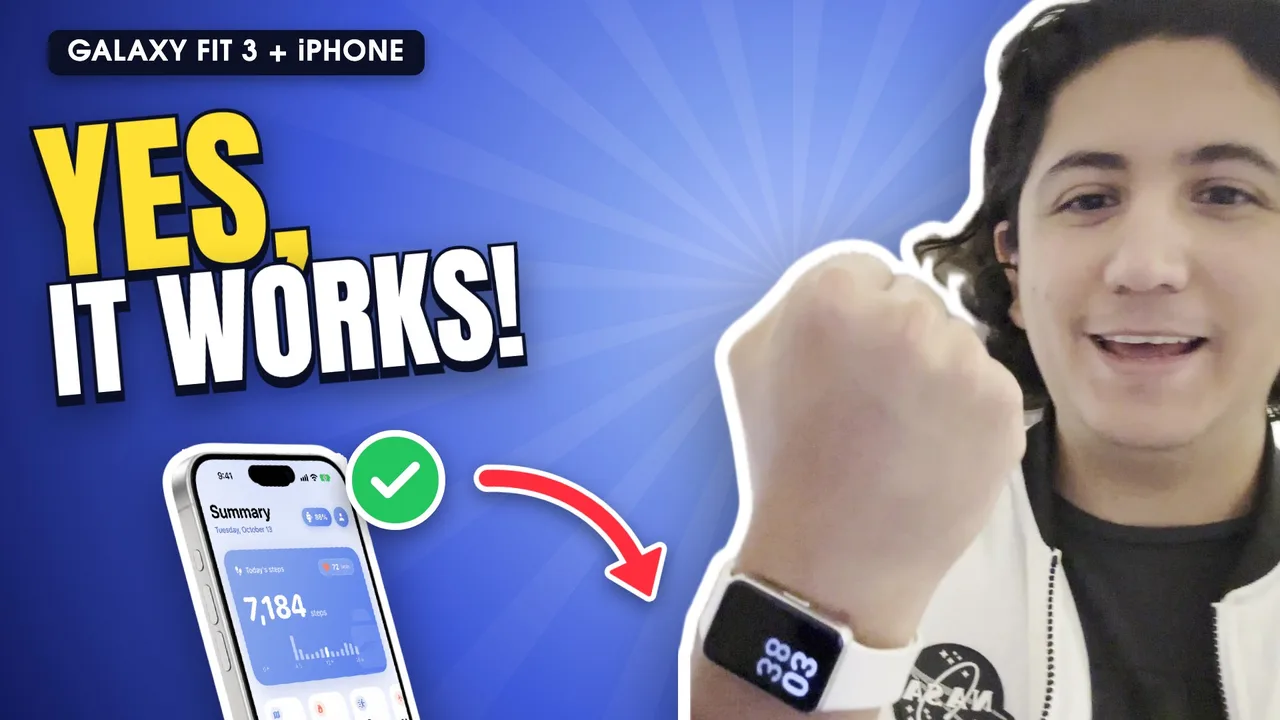
To connect the Galaxy Fit3 to an iPhone, install Fit3 Bridge from the App Store, open it with the band nearby and tap “Set up band”. Don't use Galaxy Wearable or Settings › Bluetooth: pairing happens inside the app and takes about a minute.
Step by step
Install Fit3 Bridge
Get it from the App Store (iPhone with iOS 17 or later). It's free for 3 days.
Charge the band and keep it close
Put the Galaxy Fit3 next to the iPhone. If it was paired with an Android phone, reset it from the band's settings to start clean.
Open the app and let it find the band
Fit3 Bridge searches on its own (“Looking for your band…”). Allow Bluetooth when iOS asks.
Tap “Set up band”
If the band is new or reset, you'll see “New band detected”. Tap “Set up band” and accept the terms on the band. If iOS shows a pairing request, accept it.
Allow Apple Health
Choose what to save: steps, heart rate, sleep, blood oxygen, workouts.
Turn on notifications (iOS 27)
On the “Notifications on your band” card, tap Set up: Shortcuts opens with the automation ready. Add it, turn it on, choose “Run Immediately” and add WhatsApp, Telegram or any app.
Leave it in the background
Don't swipe the app closed. It can stay in the background all day.
Why doesn't it work with Galaxy Wearable?
Galaxy Wearable isn't on the App Store, and the iPhone app “Samsung Galaxy Fit” stops at the Fit2. If you try pairing from Settings › Bluetooth, the band shows up but never finishes connecting. That's why pairing happens inside Fit3 Bridge.
Frequently asked questions
Does it work if the band was paired with an Android phone?
Yes. Reset the band from its settings and pair it with Fit3 Bridge; the app does the first-time setup (time, language).
Do I need a Samsung account?
No. The app uses no accounts or servers.
How long does it take?
About a minute, plus the time it takes you to choose permissions.