
WhatsApp notifications on the Galaxy Fit3 with iPhone
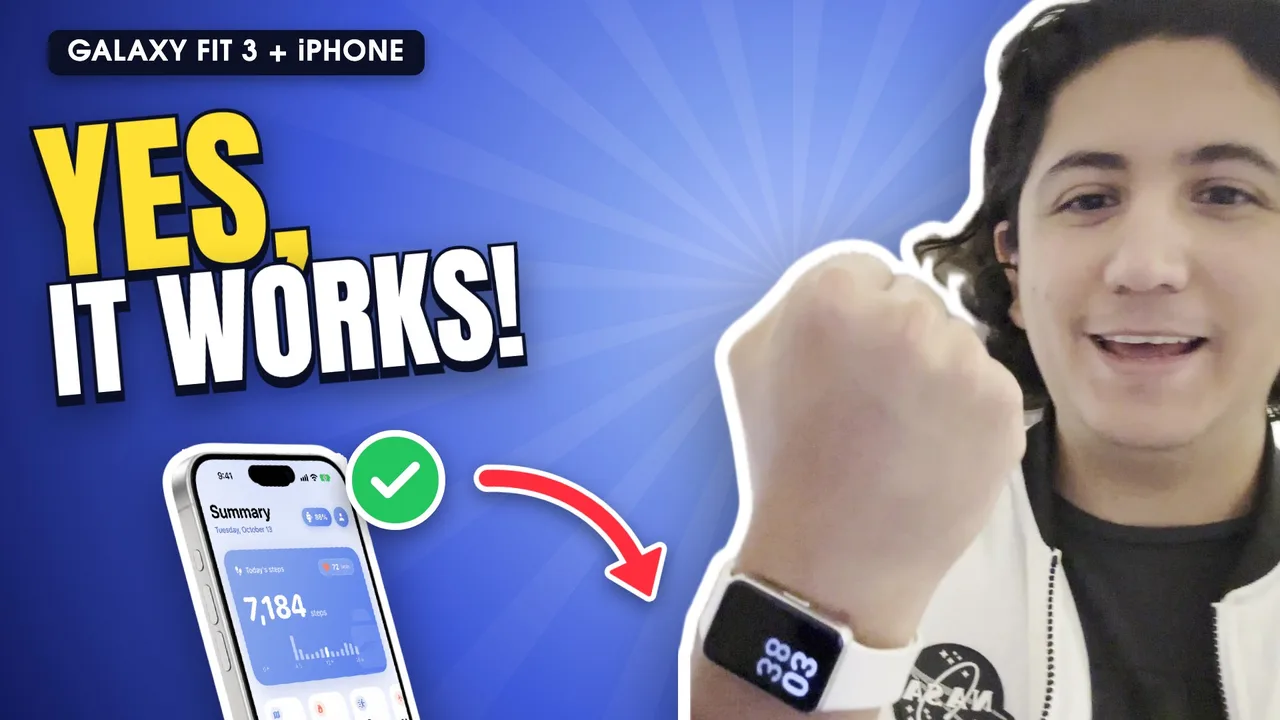
Yes, you can get WhatsApp notifications on the Galaxy Fit3 with an iPhone. Connect the band with Fit3 Bridge and add its Shortcuts automation (iOS 27): every notification from WhatsApp, Telegram or any app reaches the band with the sender and the message. You can read them, not reply.
Step by step
Connect the band with Fit3 Bridge
Install Fit3 Bridge and pair your Galaxy Fit3 from the app. Notifications from other apps need iOS 27.
Add the automation
In the app, tap Set up on the “Notifications on your band” card, then “Add to Shortcuts”. Shortcuts opens with everything ready: tap “Add Automation”.
Turn it on
iOS adds it turned off. In Shortcuts › Automation, open it, turn it on and choose “Run Immediately”.
Pick WhatsApp
In “When I get a notification from”, tap + and add WhatsApp, Telegram, Instagram or any app.
Show the content
In Settings › Notifications › Show Previews, choose “Always”. In WhatsApp, also turn on Settings › Notifications › Show Preview. Otherwise the band only says “Message”.
Test it
Ask someone to send you a WhatsApp: the band vibrates and shows who wrote and what they said.
Why is an automation needed?
Bands made for iPhone get notifications straight from iOS. The Galaxy Fit3 was made for Android and can't do that, so Fit3 Bridge passes each notification along. iOS 27 lets a Shortcuts automation hand the notification to the app the moment it arrives.
What shows on the band?
- The contact or group name.
- The message text.
- Alerts from any app you add: WhatsApp, Telegram, Gmail, Instagram, Uber…
Frequently asked questions
Can I reply to WhatsApp from the Galaxy Fit3?
No. With an iPhone you read messages on the band, but iOS doesn't let another app reply.
Notifications arrive but say “Message” with no text
Set Show Previews to “Always” in Settings › Notifications, and turn on “Show Preview” inside WhatsApp too.
Does it work on iOS 26 or earlier?
Notifications from other apps need iOS 27. On iOS 17 to 26, pairing, Apple Health, music, weather and the rest work.
Do calls show up too?
Not yet. Calls on the band are coming in a future update.
Does it sync WhatsApp Business or Telegram?
Yes, any app that shows notifications on the iPhone can be added to the automation.