
Galaxy Wearable for iPhone? It doesn't exist; this works
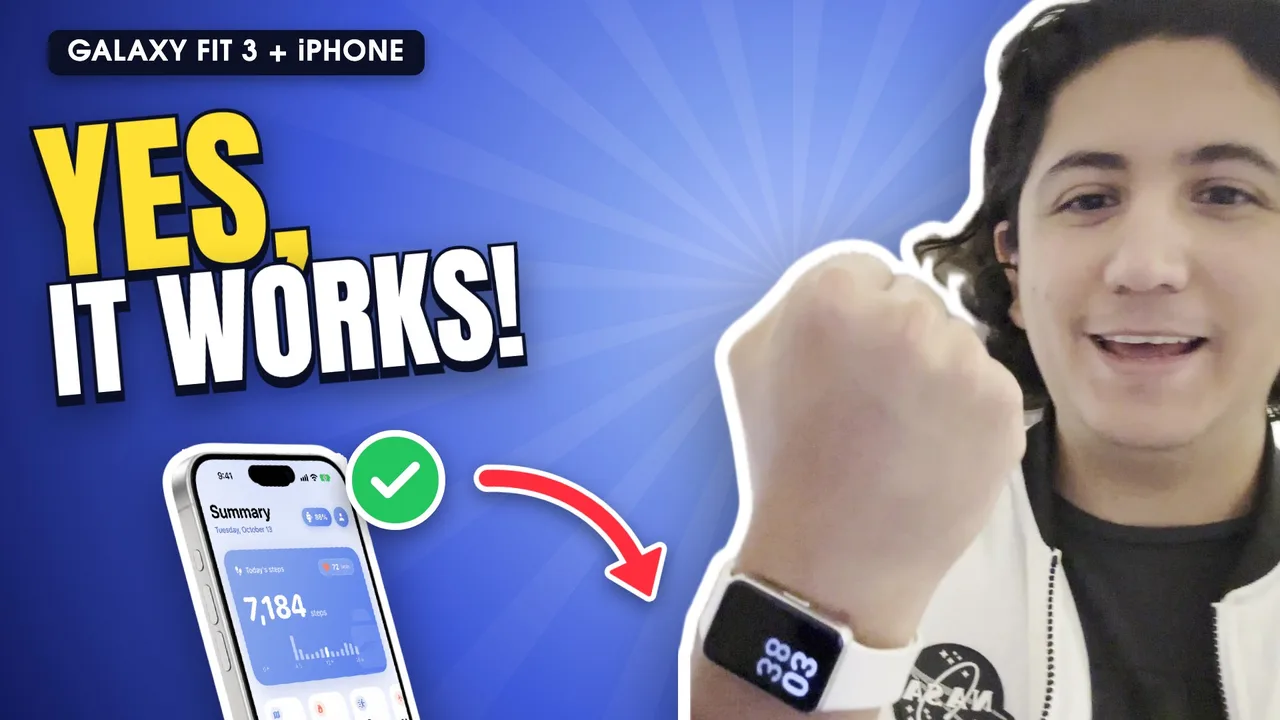
Galaxy Wearable doesn't exist for iPhone: Samsung only publishes it for Android. If a page tells you to download it from the App Store, it's wrong. To connect the Galaxy Fit3 to an iPhone, the app is Fit3 Bridge, independent from Samsung, which pairs and syncs it without Android.
Which Samsung apps are on the App Store?
The “Samsung Galaxy Fit” app (formerly Gear Fit) is still on the App Store, but it only supports up to the Galaxy Fit2. It won't find the Fit3 or never finishes pairing. Galaxy Wearable, which the Fit3 uses on Android, isn't on iOS.
So how do I use the Galaxy Fit3 with an iPhone?
With Fit3 Bridge: install it, open it with the band nearby and tap “Set up band”. It does what Galaxy Wearable would: first-time setup, language and time, band settings, notifications, and it also saves your data to Apple Health.
Galaxy Wearable vs. Fit3 Bridge
- Galaxy Wearable: Android only, free, official from Samsung, with store watch faces and quick replies.
- Fit3 Bridge: iPhone only, 3-day free trial then a one-time purchase, independent, with Apple Health and notifications from any app (iOS 27). It can't install new watch faces: iOS blocks the Bluetooth they use.
Frequently asked questions
Can I install Galaxy Wearable on iPhone with another account or region?
No. There's no iOS version in any region.
Does Samsung Health work with the Fit3 on iPhone?
You don't need it: Fit3 Bridge saves steps, heart rate, sleep and workouts to Apple Health.
Do I need an Android phone to set it up first?
No. Fit3 Bridge does the first-time setup from the iPhone, even on a reset band.